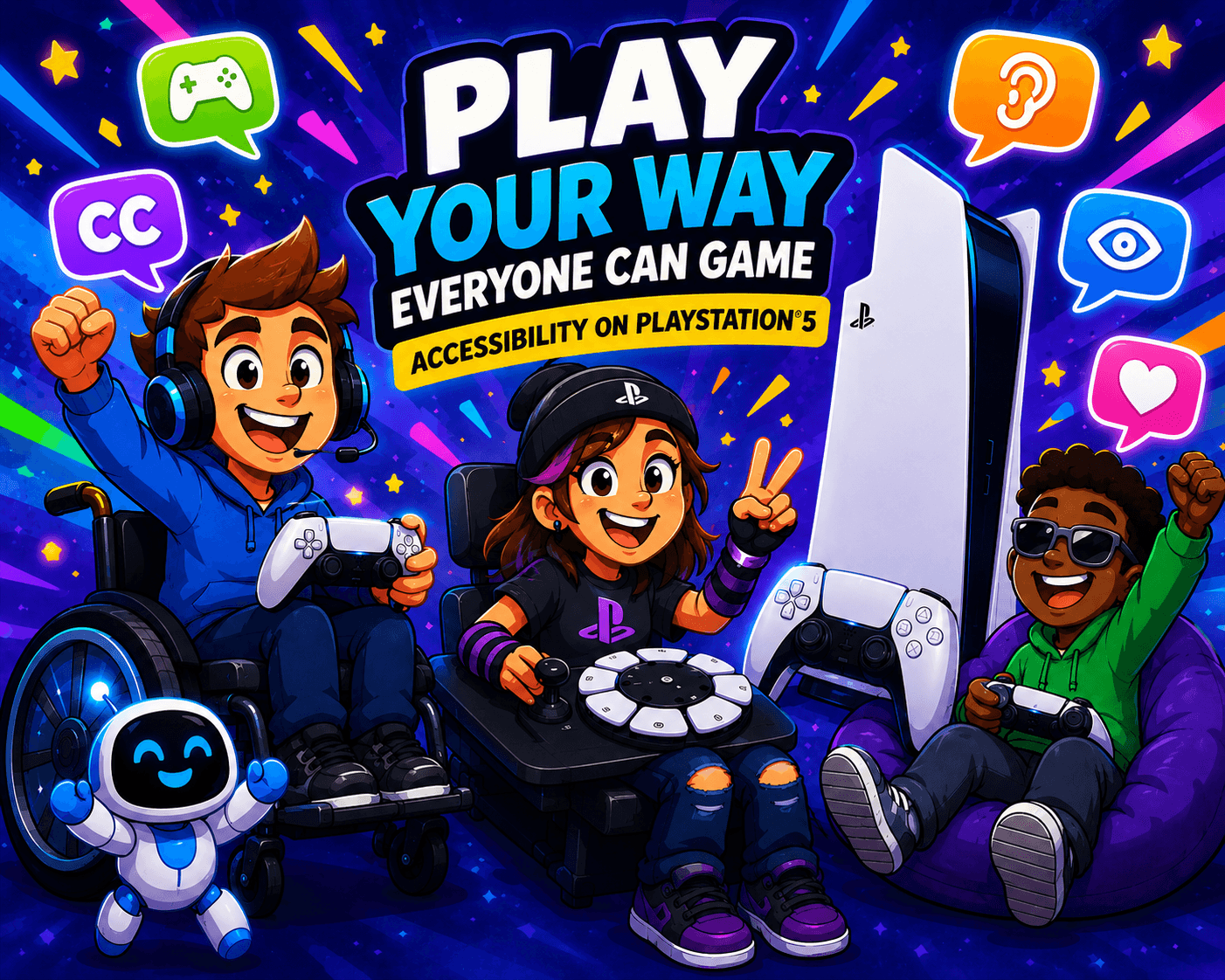
Video games should be enjoyed by everyone, regardless of their physical, sensory, or cognitive abilities. In recent years, accessibility has become a major focus within the gaming industry, and Sony has made significant progress in ensuring that the PlayStation 5 (PS5) is a platform that can be enjoyed by as many people as possible.
Whether you're a disabled gamer, a parent looking to support a child, or a professional working in assistive technology, the PS5 offers a wide range of accessibility features designed to create a more inclusive gaming experience.
Customisable Controls
One of the most important aspects of gaming accessibility is the ability to customise controls. The PS5 allows players to remap controller buttons, enabling them to create a layout that better suits their individual needs.
This can be extremely beneficial for players who have limited mobility, reduced dexterity, or who find certain button combinations difficult to use. By tailoring controls to their abilities, players can access games that may otherwise be challenging or impossible to play.
The Access Controller
In 2023, Sony launched the Access Controller, a highly customisable accessibility controller developed specifically for gamers with disabilities.
The controller features large programmable buttons, interchangeable caps, adjustable stick options, and multiple mounting possibilities. Players can configure layouts to suit their range of movement and physical abilities. The Access Controller can also be used alongside a standard PS5 controller, allowing users to combine inputs from multiple devices.
This flexibility enables players to create a setup that meets their specific needs rather than adapting themselves to a standard controller design.
Screen Reader Support
For gamers who are blind or have a visual impairment, the PS5 includes a built-in screen reader. This feature reads on-screen text aloud, helping users navigate system menus and settings independently.
The screen reader supports multiple languages and can be customised to adjust speech speed and volume, allowing users to create a listening experience that works best for them.
Display and Visual Accessibility Options
The PS5 includes several visual accessibility features that can improve the gaming experience for players with visual impairments or sensitivity to certain visual effects.
These include:
- Zoom functionality to magnify areas of the screen.
- Colour correction settings to assist users with colour vision deficiencies.
- High-contrast options within supported games.
- The ability to adjust text size in supported areas of the system.
- Reduced motion and visual effect options in some games.
Many modern PS5 titles also include accessibility menus that allow players to customise subtitles, user interface size, colour schemes, and visual indicators.
Closed Captions and Subtitle Options
For deaf and hard-of-hearing gamers, subtitles and captions can be essential.
The PS5 supports closed captions where available and offers subtitle customisation options within many games.
Players can often adjust:
- Subtitle size.
- Background opacity.
- Text colour.
- Speaker identification.
- Caption positioning.
These options help ensure dialogue and important audio information remain accessible.
Audio Accessibility Features
The PS5 offers a range of audio-related accessibility options designed to support different hearing requirements.
Players can balance game and chat audio, enable mono audio in supported situations, and make use of visual cues that replace or supplement important sound effects in many modern games.
Sony's Tempest 3D Audio technology can also help some players identify the direction of sounds within a game environment, potentially improving navigation and situational awareness.
Voice Control Features
The PS5 includes voice command functionality that allows users to navigate certain areas of the console using spoken commands.
Players can launch games, search for content, open settings, and perform basic system functions without relying entirely on physical controls. While voice control may not replace traditional input methods, it can provide an additional way for some users to interact with the console.
Game-Specific Accessibility Settings
While the console itself offers a strong foundation, many PS5 games now include extensive accessibility features of their own.
Common examples include:
- Difficulty customisation.
- Aim assistance.
- Navigation assistance.
- Auto-complete button prompts.
- Hold-to-toggle alternatives.
- Adjustable game speed.
- Visual and audio cues.
- Customisable HUD elements.
Titles such as The Last of Us Part I, The Last of Us Part II Remastered, God of War Ragnarök, and Marvel's Spider-Man 2 have received widespread praise for their comprehensive accessibility options.
Accessibility Presets
A particularly useful feature of the PS5 is its accessibility presets system. Users can configure preferred accessibility settings at the console level and automatically apply compatible options when starting supported games.
This reduces the need to repeatedly adjust settings and helps create a more consistent gaming experience across multiple titles.
Final Thoughts
The PS5 demonstrates how accessibility can be integrated into both hardware and software design. From the highly adaptable Access Controller to built-in system features such as screen readers, button remapping, and voice controls. The platform provides a wide range of tools to support diverse player needs.
While there is always room for further innovation, the PS5 represents a significant step towards a more inclusive gaming industry. As accessibility continues to evolve, it is encouraging to see manufacturers recognising that gaming should be available to everyone.